Support
App Features
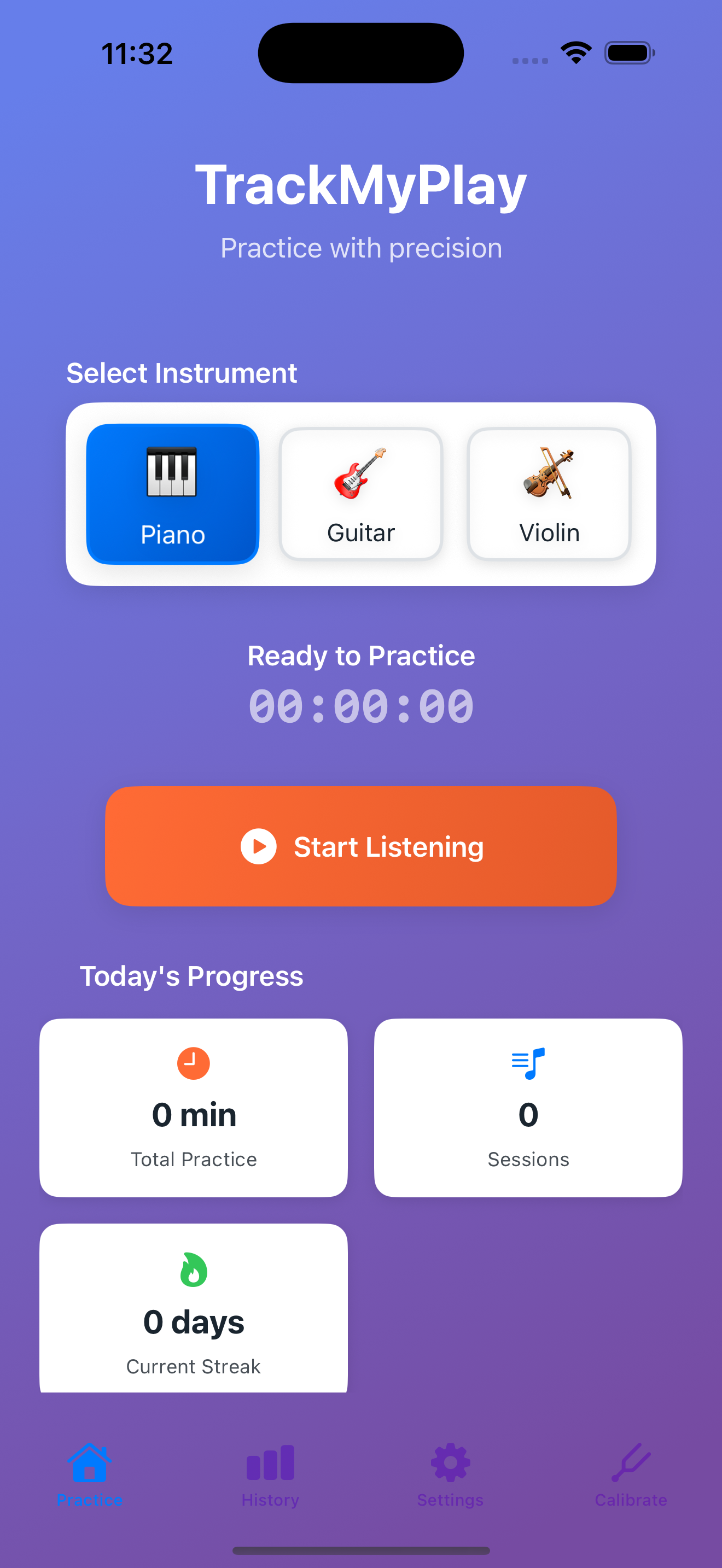
Multiple Instruments
Choose from Piano, Guitar, Violin, and more with visual instrument selection.

Live Tracking
Real-time audio visualization and session tracking with pause/resume controls.
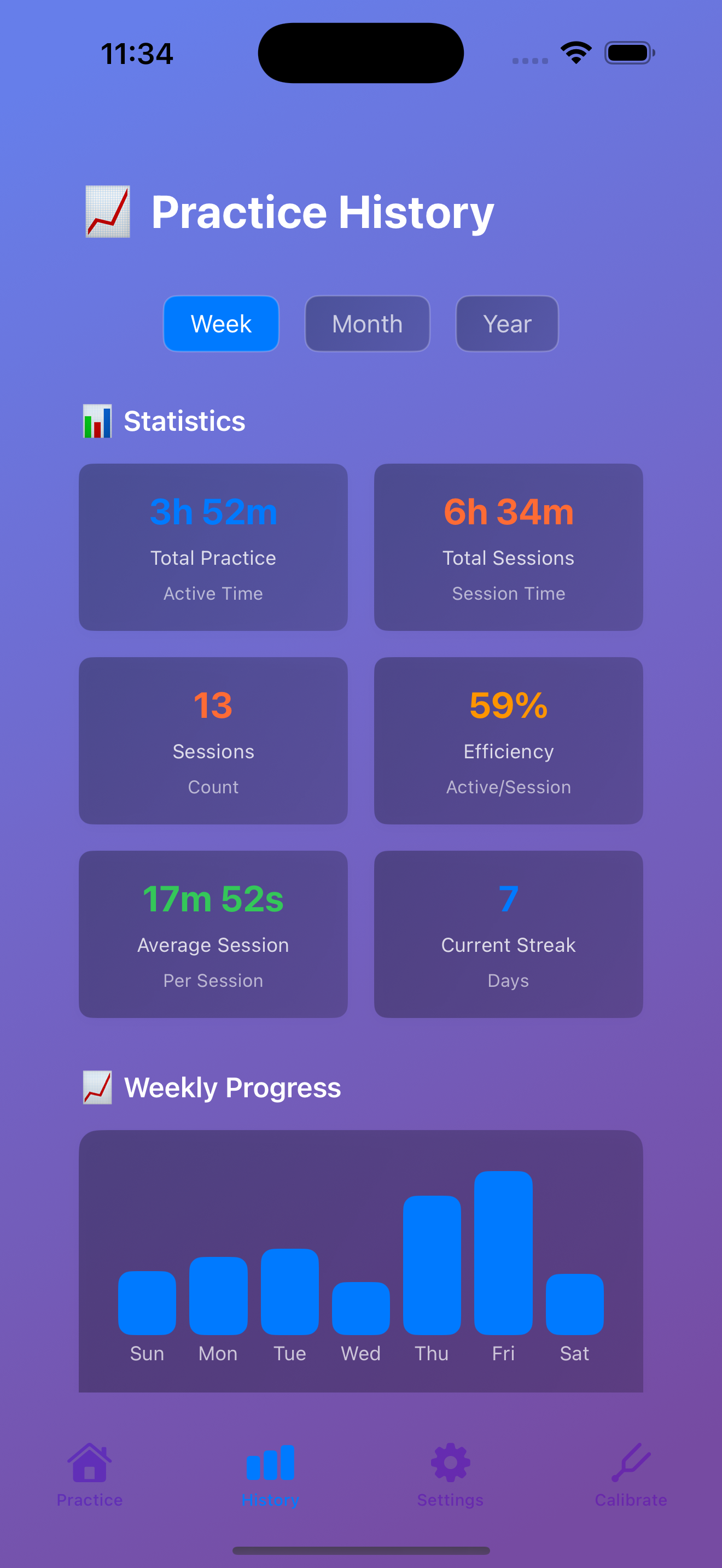
Progress Analytics
Detailed statistics, practice streaks, and efficiency metrics to track your improvement.

Smart Calibration
Calibrate the app to your instrument's unique sound for maximum accuracy.
Frequently Asked Questions
TrackMyPlay uses advanced machine learning to recognize when you're playing your instrument. The AI analyzes audio patterns in real-time to detect practice sessions automatically.
Currently supported: Piano, Guitar, Violin, Cello, Flute, Clarinet, Saxophone, and Trumpet. We're continuously adding support for more instruments.
Try the calibration process in Settings → Calibration. This helps the app learn your instrument's unique sound characteristics for better detection.
TrackMyPlay works best when active on screen. For background tracking, ensure the app is open and your device isn't in low power mode.
Absolutely! All audio processing happens on your device. No recordings are made, stored, or transmitted. Your practice sessions remain completely private.
After calibration, TrackMyPlay typically achieves 95%+ accuracy in detecting practice sessions. Accuracy improves over time as the system learns your playing patterns.
Yes! Go to Settings → Export Data to download your practice history in CSV format for use in spreadsheets or other applications.
TrackMyPlay requires iOS 15.0 or later. Live Activities require iOS 16.1 or later.
Troubleshooting
1. Check microphone permissions in iOS Settings → Privacy → Microphone
2. Run calibration for your instrument
3. Ensure you're in a quiet environment
4. Try increasing audio sensitivity in app settings
1. Ensure the app has sufficient storage space
2. Check that you're not in low power mode
3. Try restarting the app
4. Contact support if the issue persists
System Requirements
- iOS 15.0 or later
- iPhone 8 or newer, iPad (6th generation) or newer
- Microphone access permission
- ~50MB available storage
Still Need Help?
Can't find what you're looking for? We're here to help!
Email: fretio0719@gmail.com
We typically respond within 24 hours